Your car talks. diagobd translates.
Engine diagnostics, explained for everyone
The engine fault, found sooner and explained to the customer
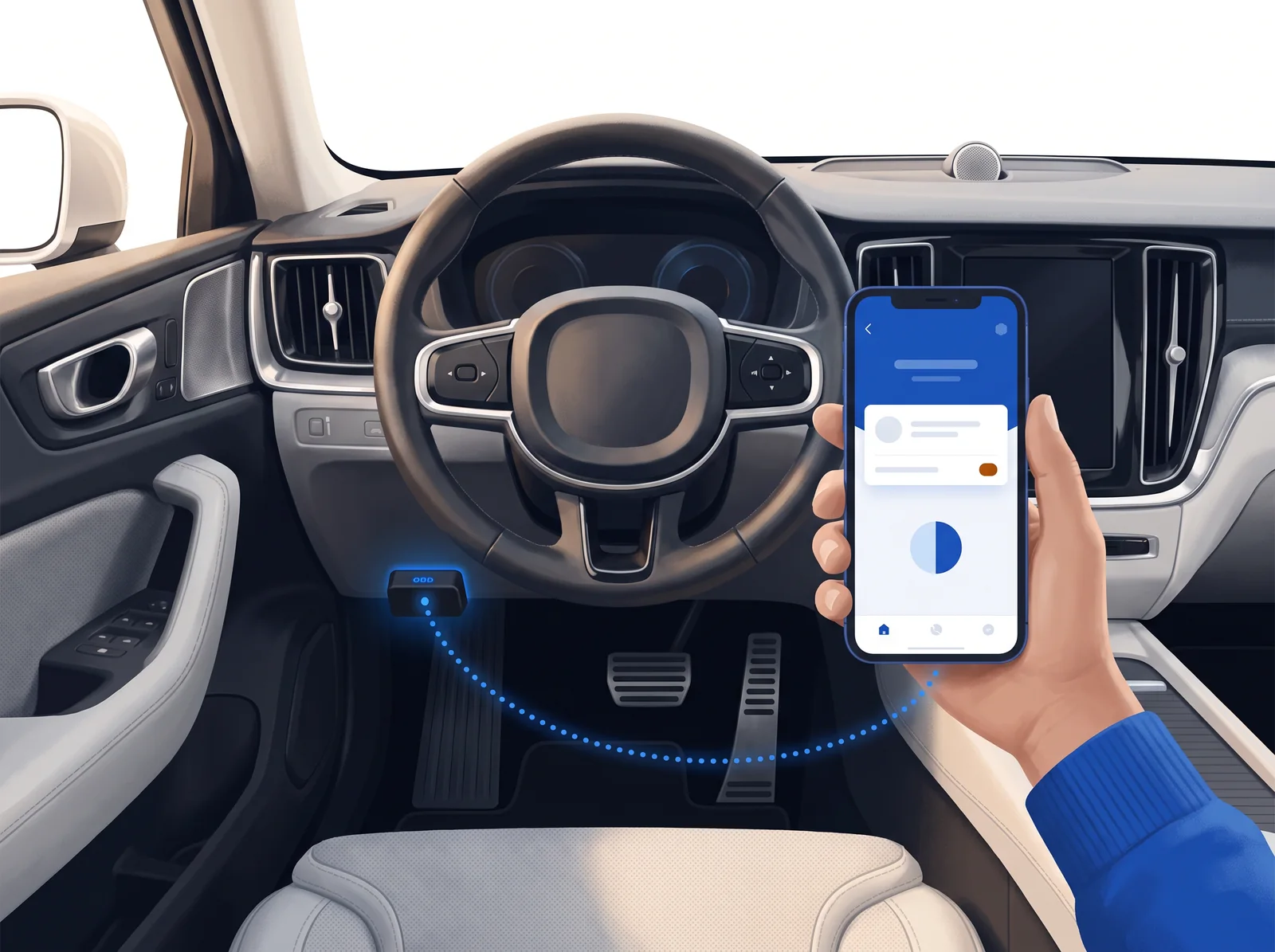
Plug in a €15 OBD adapter, tell diagobd what’s wrong with your car, and follow its step-by-step tests. It tells you the most likely cause, what to check in order, and what it usually costs.
Connect your J2534 interface or an OBD adapter and type what the customer says. The AI designs the tests for that symptom, watches for the fault across all the engine data and hands you the report: the cause, what to check in order and what it costs. On the workshop computer and in the Android app.
How it works
Three steps. The app does the third one with you.
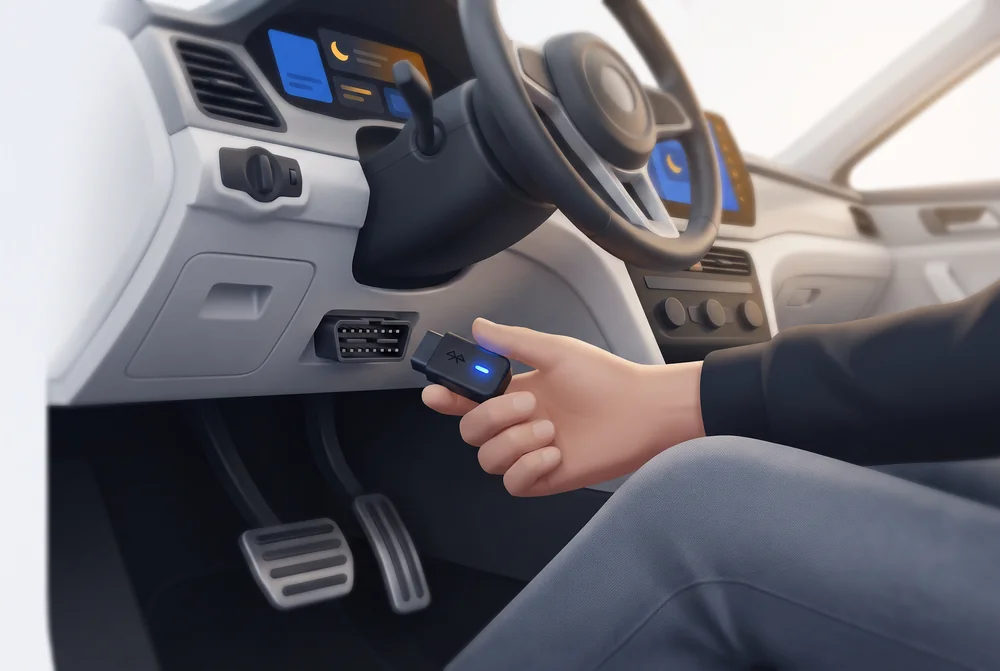
Plug in the adapter
Any Bluetooth, BLE, or WiFi ELM327 in the car’s OBD port, under the steering wheel. A €15 one will do.
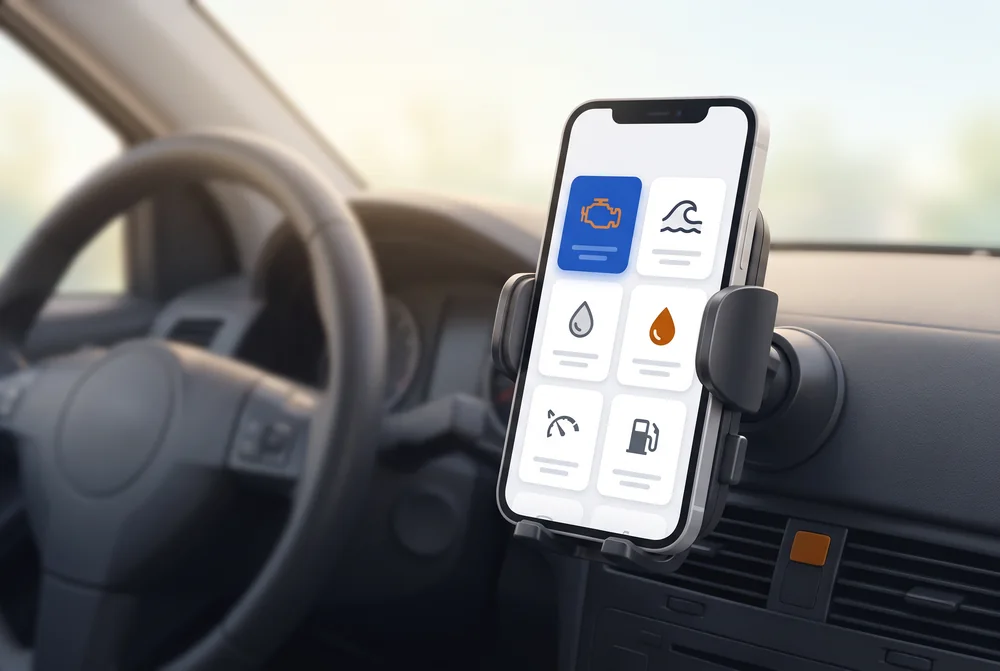
Say what’s wrong
“It jerks,” “check engine light,” “uses more gas”… Or nothing at all: then it checks the whole engine for problems you can’t notice yet.
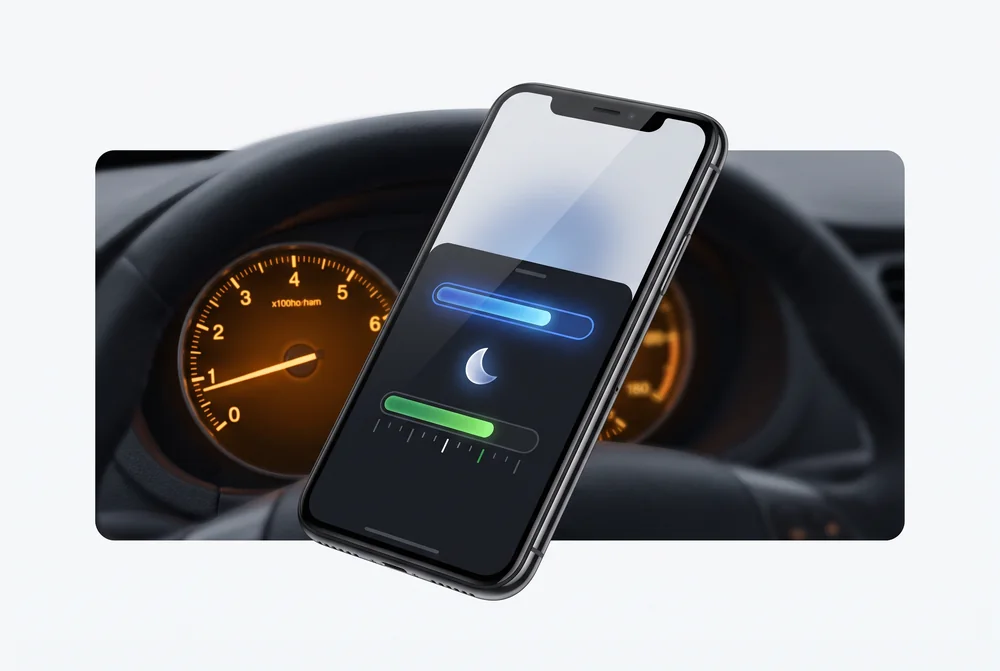
Follow the tests
Two minutes at idle, 2,500 rpm, one quick rev. The app measures each one and, at the end, tells you the cause, what to check in order, and what to tell your mechanic.
A Focus TDCi losing power, from intake to report
This is how diagobd works on an example car: what it does at each moment and what it leaves you with.
-
The intake
The customer says it loses power when accelerating. You type their name, phone number and plate; when you connect, the VIN and the ECU fill in the rest: a 2014 Ford Focus 1.6 TDCi.
Car and customer record -
The reading and the plan
Codes, a snapshot of the moment they were set, the ECU's self-tests and all the live data. The AI looks up that engine's typical faults and prepares the tests for that symptom.
A three-test plan for “loses power” -
The fault, caught
During the third-gear pull, at 3,040 rpm, the rail stays at 1,120 bar with 1,450 requested. diagobd spots it on its own and saves the seconds before and after.
The graph of the moment of the fault -
The report
The cause with 84% confidence, what to check in order with time and cost, and whether it can still be driven. One for you and one for the customer.
The PDF for the customer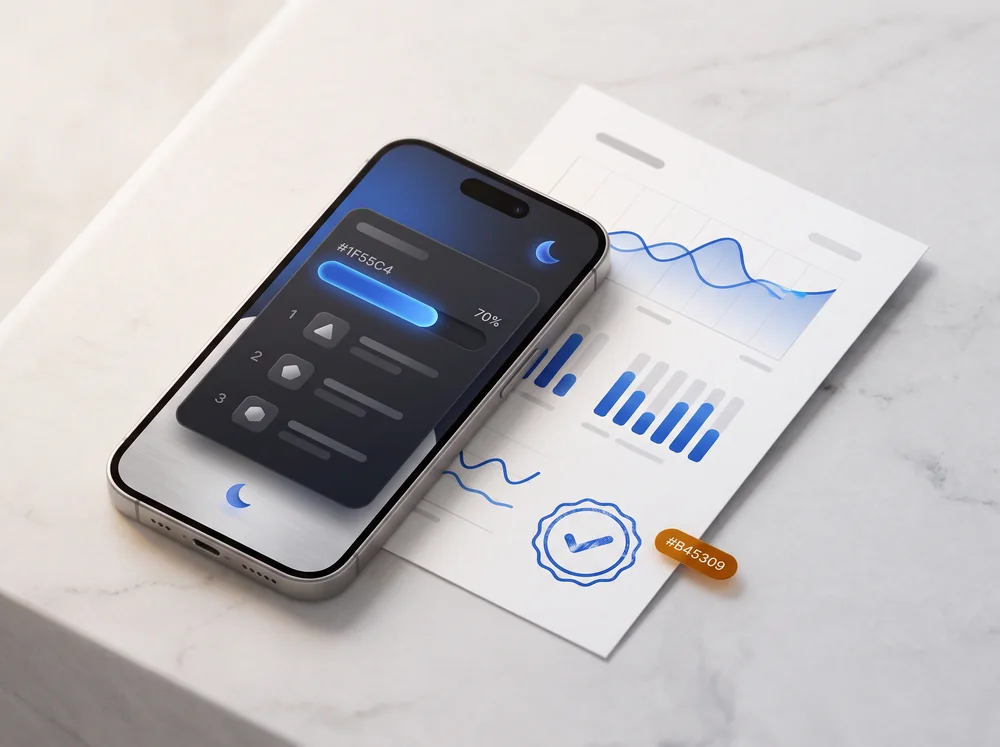
Features
The free features stay free. Anything with AI is paid per report.
Connect, tell it what you’re noticing, and the app walks you through it: every reading with its normal range, every test measured automatically, and at the end a cause, what to check, and what to tell your mechanic.
Codes explained
freeEvery fault code with its meaning in plain words, how serious it is, and what it usually turns out to be on that engine. And you can clear them, with a heads-up about what that means.
Live data with normal ranges
freeEvery reading with the range it should be in for the engine’s current state. Anything abnormal shows up in red, at the top. Graphs of the last 90 seconds.
Guided tests
freeWhat to do, for how long, and what you should see. The app measures each test automatically and marks whether it passes.
Identifies your car
per reportFrom the VIN: make, model, engine, and fuel type. That fine-tunes the expected values and looks up the common faults for that engine.
Causes that rise and fall
per reportAs you test, the AI reranks each cause as likely, possible, or ruled out, and shows which reading backs it up.
Customer-ready results
per reportThe most likely cause with its confidence level, what to check in order with time and cost, and a plain-language explanation to share.
Everything the engine says, and the AI reads all of it
diagobd asks the car for the 74 engine PIDs in the OBD standard (SAE J1979), up to 96 values depending on what each ECU answers. The AI doesn't get a summary but the reading second by second, and sees what happens before what. The program's alerts reach it as clues it has to check in the data.
-
Live data with normal ranges
Mixture and wideband lambda sensor, desired and actual rail, turbo, commanded and actual EGR, requested and actual torque, exhaust and turbo temperatures, particulate filter, AdBlue and NOx.
-
Codes, with the snapshot of the moment
Stored, pending and permanent, explained and rated by severity. For each one, the data from the instant it was set.
-
The ECU's self-tests
The results of the tests the engine runs itself: catalytic converter, sensors, EGR and the misfires of each cylinder.
-
Manufacturer-specific data
Desired rail, injector corrections or filter soot on VAG, Ford, Hyundai, Kia and BMW. Each value is checked on that car before it is used.
-
The car, identified
Make, engine and year from the VIN, with each manufacturer's rules. From the ECU: calibration, part number, software and who makes it.
-
It asks what the data doesn't say
“Has the sensor already been replaced?”, “what does the gauge read?”. The AI can ask you or the customer, and the answer goes into the report.
Got a fault code?
Type it in and we’ll tell you what it means, whether you can keep driving, and what to check. 1,519 OBD-II engine codes explained in plain English.
P0420Catalyst System Efficiency Below ThresholdP0171System Too LeanP0300Random/Multiple Cylinder Misfire DetectedAvoid drivingP2002Particulate Trap Efficiency Below ThresholdP0401Exhaust Gas Recirculation Flow Insufficient DetectedP0299Turbo/Super Charger Underboost
The same diagnosis, on your workshop computer
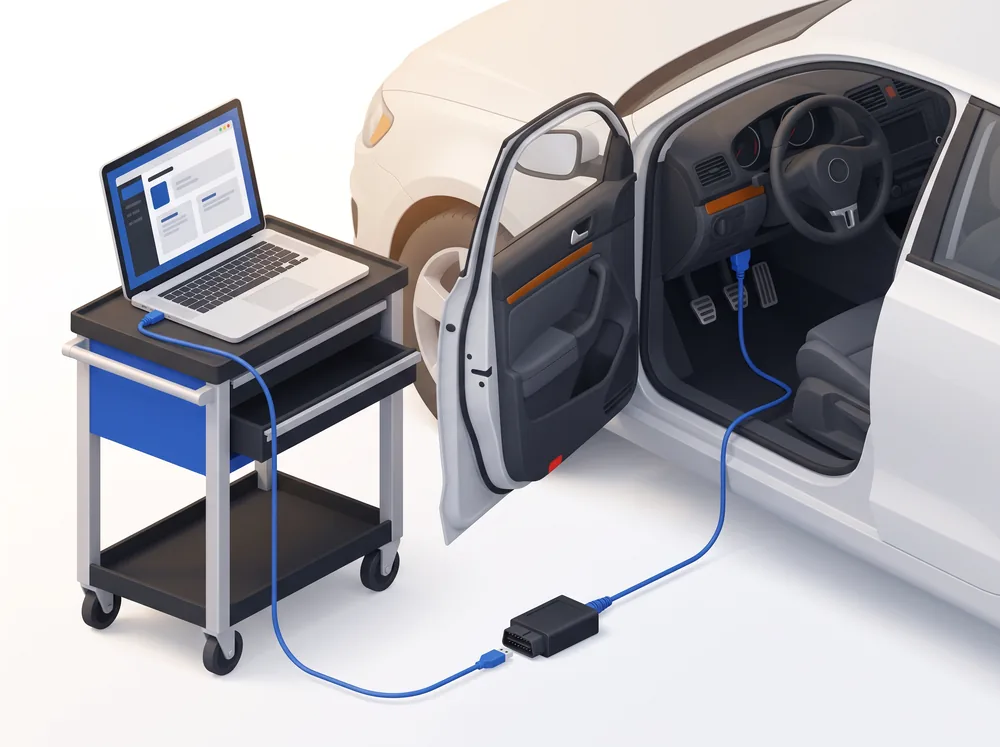
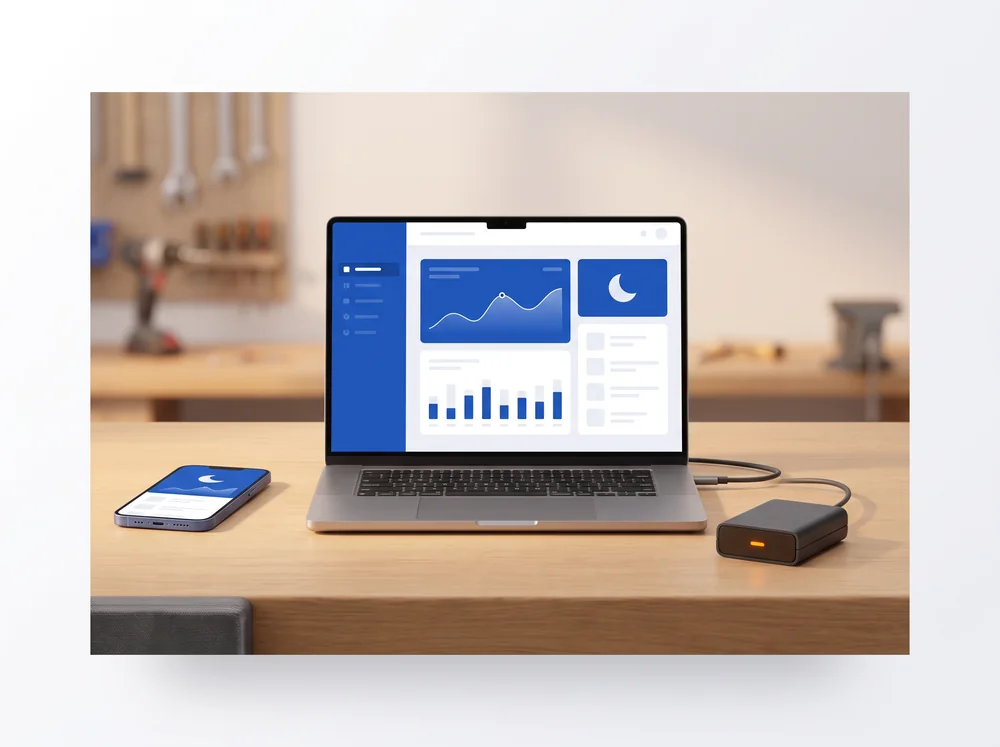
The Windows program talks to the car through J2534 or any ELM327 and delivers a two-level report: one for the mechanic and one for the customer.
- Vehicle profile by VIN or license plate, plus common faults for that engine from forums in several languages, translated.
- Multiple computers and phones on the same account; history of every car in the workshop.
- Imports the PDF from another scan tool (Autel, Otofix, Launch…) and adds it to the diagnosis.
Laptop → J2534 interface or ELM327 → OBD port under the steering wheel. Installs in minutes and works with the interface you already have.
One for the mechanic, one for the customer
The same diagnosis at two levels: the data that proves it for whoever repairs, and a plain explanation with a quote for whoever pays. As a PDF, with the graphs of the moment of the fault.
It also reads the modules of 13 brand groups, scores used cars, runs a pre-inspection check, takes in the PDF from your other scanner and follows you on your phone.
Pricing
Reading your car costs nothing. AI diagnosis is paid per report or by subscription.
Pricing for workshops
Reading the car without AI is free. AI diagnosis by pack or subscription, with the same license in the program and in the app.
- Fault codes explained and cleared
- Live data with normal ranges
- Guided tests with data-driven causes
- Everything in Free
- Car identified by VIN
- AI-ranked causes and common faults for that engine
- Customer-ready results as a PDF
- The same, five times over
- Never expire
- Lower price per report
- Windows and mobile on the same account
- Never expire
- For workshops that diagnose now and then
- Monthly reports included, extra ones at pack price
- Multiple computers and phones
- History of every car in the workshop
- Vehicle profile by license plate and translated common faults
- Everything in Monthly
- Two months free
- One invoice a year
Pack reports never expire and work on any car. You pay by card on this website, and the same license works in the mobile app and in the Windows program.
Compatible adapters
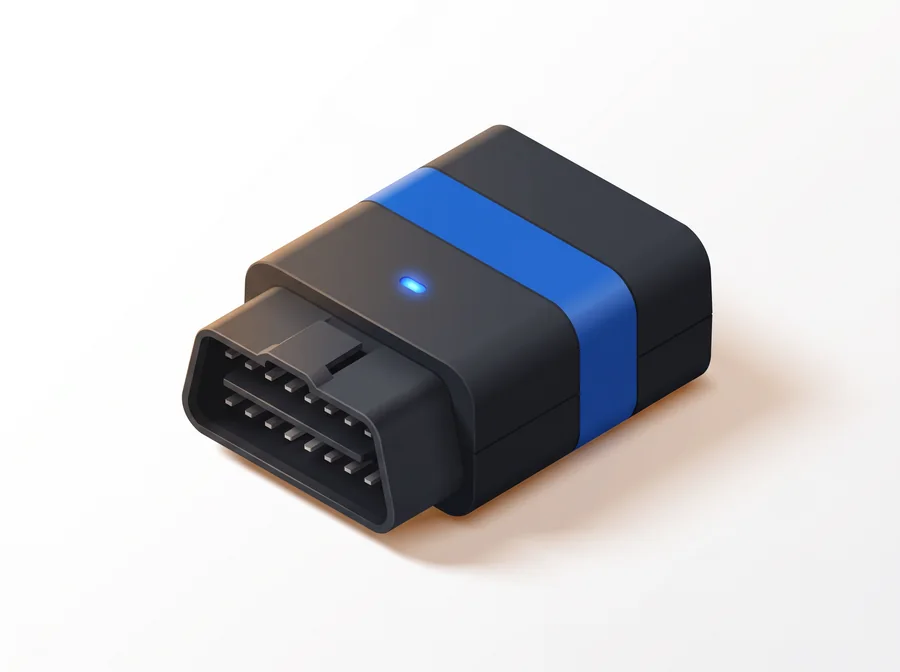
Veepeak OBDCheck BLE+
Bluetooth BLE for Android and iPhone, compact and highly rated. Reads the engine of any car with OBD: everything a driver needs.
View on AmazonvLinker MC+
Bluetooth and BLE, Android and iPhone, with every protocol, including the comfort (body) networks. The best value for a workshop. If you want the very top of the line, go for the OBDLink MX+.
View on Amazon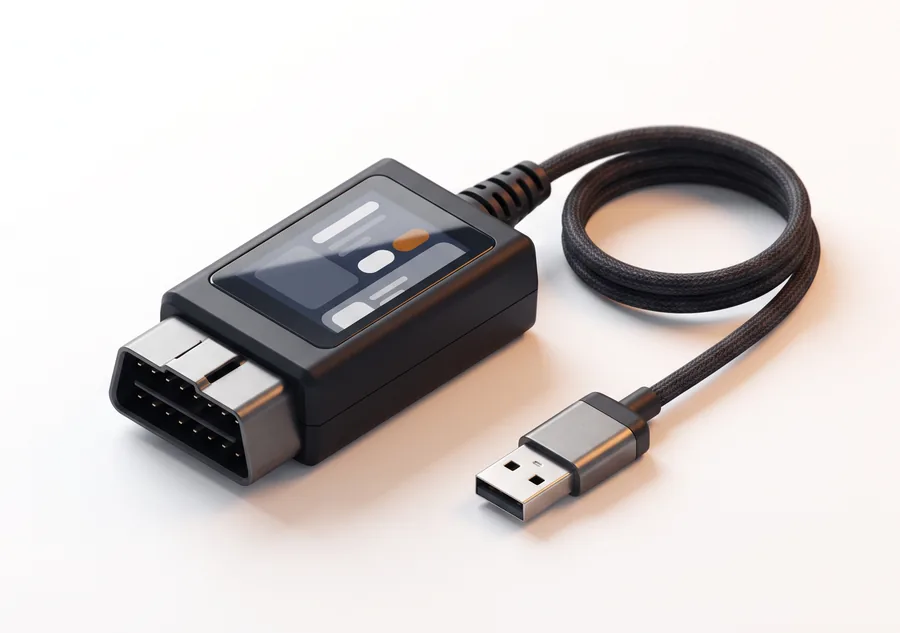
vLinker FS USB
Wired for the workshop laptop: fast, stable, and nothing to pair. Reads CAN and K-Line and switches automatically to Ford’s comfort network.
View on Amazon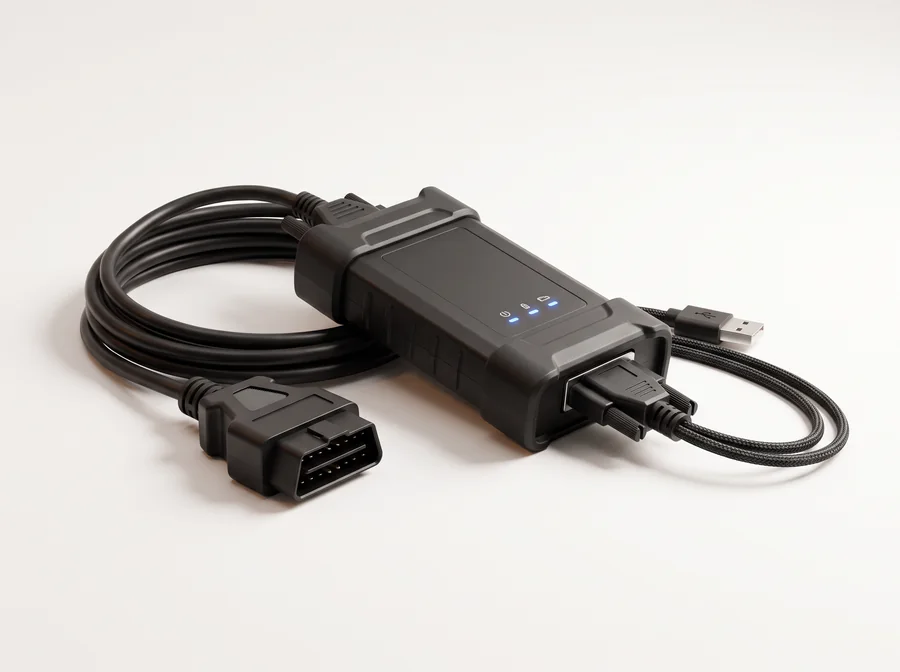
Your J2534 interface
If your workshop already has a J2534 interface (the kind factory software uses), diagobd uses it directly to talk to the engine ECU over CAN or K-Line.
Frequently asked questions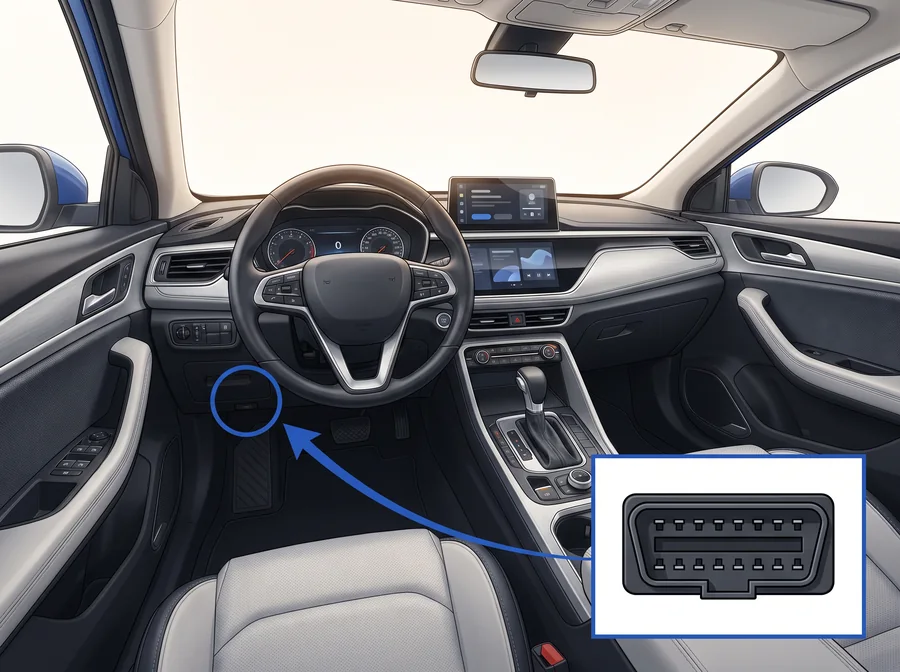
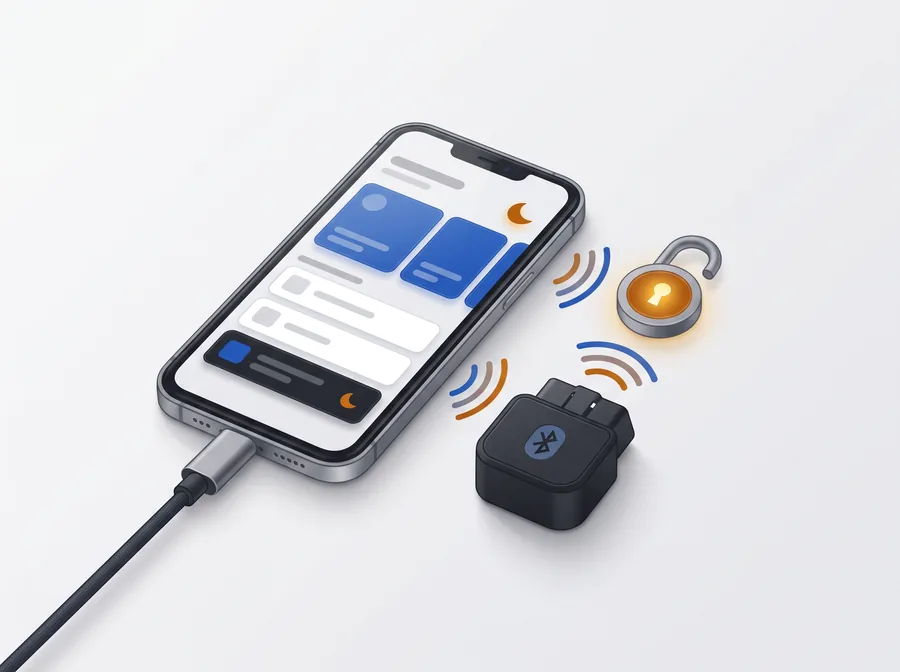
Any ELM327 or STN adapter on the market. Works with cars on CAN and also on K-Line (models before 2008), of any make.
| Adapter | Android | iPhone | Windows |
|---|---|---|---|
| Classic Bluetooth (PIN 1234) | Yes | No | Yes |
| Bluetooth LE / 4.0 | Yes | Yes | — |
| WiFi | Yes | Yes | — |
| USB and J2534 (workshop interfaces) | — | — | Yes |
FAQ
What workshops ask before connecting their first car
What people ask us before they get started. If yours isn’t here, write to us.